The best player for 4K LIVE IPTV depends on your device and priorities. TiviMate suits TV-first Android and Fire TV setups; Sparkle TV is strong for DVR-style use; IBO Player works across selected smart-TV platforms; IPTV Smarters and XCIPTV offer familiar multi-section layouts. Confirm current store availability, licensing, and features before paying.
An IPTV player is the interface that reads your authorized playlist or service login. It does not improve a weak source, and reputable players usually do not include premium channels.
The right app makes a real difference to guide speed, channel organization, remote-control navigation, frame-rate handling, and error recovery. This comparison focuses on practical selection rather than declaring one universal winner.
Screenshot placeholder 1: Five generic player interfaces displayed as cards without copying app artwork.
Alt text: Interface comparison for 4K LIVE IPTV players
What to Look For in an IPTV Player
Prioritize the features you will use every day:
- Support for the provider’s authorized login method
- Fast Electronic Program Guide loading
- Favorites, hidden groups, and channel reordering
- Hardware video decoding
- Subtitle and multiple-audio-track controls
- Catch-up and recording when the source permits them
- Multiple playlists or household profiles
- Remote-friendly navigation on television devices
- Active updates and a clear developer identity
Recording a stream does not automatically give permission to copy it. Follow the content license, player terms, and local law.
Quick Comparison
Features and prices can change, and some options depend on device or premium licensing. Verify the developer’s current official listing before buying.
| Player | Best suited to | Main strength | Check before choosing |
|---|---|---|---|
| TiviMate | Fire TV/Android TV users | Polished TV guide and organization | Platform support and premium terms |
| Sparkle TV | DVR-focused Android TV homes | TV-like guide and recording tools | Storage and source compatibility |
| IBO Player | Selected smart TVs and TV devices | Simple device activation workflow | Exact TV model and license terms |
| IPTV Smarters | Users wanting live/VOD/series sections | Familiar multi-content layout | Obtain only the authentic app |
| XCIPTV | Android-based television devices | Straightforward remote interface | Current official distribution source |
Do not download a cloned version simply because it uses the same icon. Use the developer’s verified site or an official device app store.
TiviMate: Best for a Traditional TV Experience
TiviMate is designed around Android TV-style devices and is known for a cable-like EPG, favorites, multiple playlists, catch-up controls, recording, multiview, and parental controls. Its official site makes clear that it is a player and does not provide TV sources. (TiviMate official site)
It is a strong choice when the television guide is the center of the experience. The remote navigation feels more natural than interfaces originally designed for phones.
Before choosing it, verify that your device platform is supported and that the authorized provider’s playlist format works correctly. Premium features and account management can change, so use the official information rather than third-party resellers.
Sparkle TV: Best for DVR-Style Features
Sparkle TV appeals to Android TV and Google TV users who value a familiar program guide, timeshift, and recording-oriented workflow. Recording reliability depends on the source, app version, storage path, and device permissions.
Use fast external storage when the device supports it, and test a short recording before relying on the feature. Live streams with digital-rights controls or provider restrictions may not permit recording.
It is especially useful for a household that wants a unified TV-style interface rather than separate lists for every content type.
IBO Player: Useful Across Selected TV Platforms
IBO-branded players are often considered by smart-TV users because variants are available on several platforms. The common workflow activates the app on a device and then associates an authorized playlist through the developer’s management page.
Confirm the exact product name, developer, device model, trial period, and activation price. Similar names and imitation websites can create confusion.
When entering a playlist through a web page, verify the domain carefully and use a trusted network. The playlist link may contain account credentials.
IPTV Smarters: Familiar Live, Film, and Series Sections
The Smarters-style interface separates live television, films, series, EPG, and settings. This can be easy for beginners who prefer large dashboard buttons.
The name is also widely imitated. Obtain the player only through its authentic developer or an official store listing. Avoid packages that promise preloaded unauthorized channels.
Test external-player options only after the built-in decoder. Adding another player increases complexity and can remove EPG or resume features.
XCIPTV: A Straightforward Android-Based Option
XCIPTV-style layouts commonly provide live TV, EPG, VOD, series, favorites, and player settings in a remote-friendly format. It may suit users who want a simpler dashboard than a dense guide-first application.
As with every option, verify the current official distribution source and whether the provider supports the login method. A branded provider version may differ from the general player.
Player Performance Tests
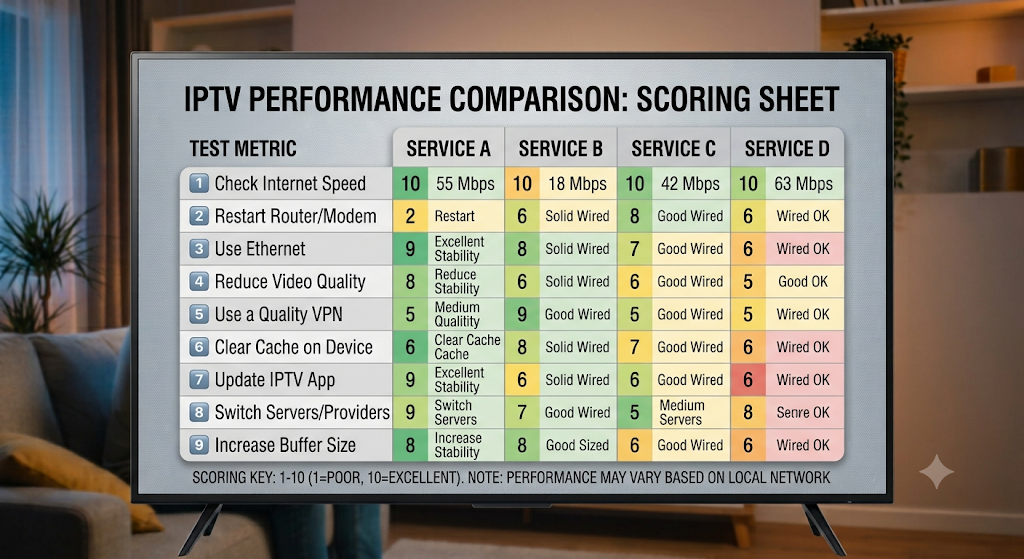
Run the same authorized playlist through each candidate and score these tasks:
- Time from launch to usable guide
- Time to open ten channels
- Smoothness on a high-motion legal 4K stream
- EPG accuracy after a full update
- Subtitle and audio-track selection
- Recovery after disconnecting and restoring the network
- Memory use after one hour
- Ease of finding favorites with the remote
Test on the device used daily. A player that is excellent on a powerful Android box may feel slow on an older smart television.
Best Settings for 4K Playback
Start with hardware or system decoding. This uses the device’s dedicated video engine for codecs such as H.265/HEVC.
Set the buffer to normal or medium. Enable frame-rate matching only after checking that the television handles the switch cleanly. Leave external-player mode disabled during the first test.
If the player offers EPG retention, keep only the number of days you actually need. A huge guide can slow a device with limited storage and memory.
Free vs Premium Players
A free version is useful for compatibility testing. Premium licensing often adds multiple playlists, advanced guide controls, recording, synchronization, profiles, or appearance options.
Pay only through the verified developer or official store. A “lifetime premium APK” from an unrelated site can include modified code and expose credentials.
Before paying, confirm:
- Supported devices and number of activations
- Subscription versus one-time license
- Refund or trial terms
- Whether settings synchronize across devices
- Which features require premium access
- How account recovery works
Which Player Should You Choose?
Choose TiviMate when guide navigation and deep customization matter on Fire TV or Android TV. Consider Sparkle TV when DVR-style controls are central. Explore an authentic IBO option for a supported smart TV. Consider verified Smarters or XCIPTV apps when a simple dashboard fits the household better.
The best player is the one that opens the licensed source reliably, remains responsive on your hardware, and is easy for everyone using the television.
Frequently Asked Questions
Does an IPTV player include channels?
Usually not. A player organizes an authorized playlist or service account supplied separately. Avoid apps or sellers that bundle premium programming without explaining distribution rights.
Which player is best for Firestick 4K?
TiviMate is popular for a guide-first interface, while verified Smarters- or XCIPTV-style apps may be easier for dashboard users. Test compatibility and obtain the app from an official source.
Can an IPTV player improve picture quality?
It can choose an efficient decoder and output mode, but it cannot create detail missing from the source. Source resolution, bitrate, codec, network, device, and television all affect the final image.
Why does the EPG load slowly?
Large XMLTV files, excessive retention, weak storage, low memory, incorrect guide sources, or provider delays can slow loading. Reduce retained days and remove unused playlists where supported.